The management of the University of Lagos (UNILAG) has officially released the operational guidelines and instructions for candidates sitting for the 2026/2027 Post-UTME Online Screening Examination. As part of UNILAG’s remote testing framework, the screening test will be conducted virtually via online proctored software.

Candidates who selected the University of Lagos as their First Choice in the 2026 UTME and completed their online registration are expected to strictly adhere to the technical and behavioral rules outlined by the institution to prevent disqualification.
Technical & System Requirements for the Online Test
To ensure a smooth testing experience, candidates must prepare their testing environment according to these technical parameters:
- Device: A functional Laptop or Desktop computer equipped with a working webcam and microphone. (Mobile phones and tablets are strictly prohibited).
- Operating System: Windows 10/11 or macOS.
- Browser: Latest version of Google Chrome or MS Edge with pop-up blockers disabled.
- Internet Connectivity: Stable, high-speed internet (minimum 4G network or broadband Wi-Fi) with at least 2GB of active data.
- Power Supply: Ensure your device is fully charged or connected to a reliable power source/UPS for the duration of the test.
Step-by-Step Guide to Access the Online Exam Portal
Candidates should follow these steps to log in and write the online screening test on their scheduled date and time:
1.Check Your Exam Slip:Step 1.
Log in to the UNILAG application portal at unilag.edu.ng to print your official Examination Pass showing your scheduled date, time, and access key.
2.Access the Screening Link:Step 2.
On your scheduled date, open Google Chrome and enter the specific testing portal URL printed on your Exam Pass at least 20 minutes before start time.
3.Grant Camera & Microphone Access:Step 3.
Allow browser permissions for the portal to access your webcam and microphone for automated AI and human proctoring.
4.Perform Face Verification:Step 4.
Position your face clearly within the camera frame on screen to pass the automated biometric verification matching your registration photo.
5.Commence Test & Submit:Step 5.
Enter your login credentials, complete the 30-minute test covering Mathematics, English Language, and General Paper, and click Submit when finished.
Proctoring Rules & Exam Hall Misconduct Warnings
Zero Tolerance Notice: UNILAG’s online proctoring system automatically logs behavioral anomalies. Any candidate flagged for the infractions listed below will be automatically disqualified and results nullified.
- No Secondary Devices: Do not use ear phones, Bluetooth headsets, smartwatches, or phones during the test.
- No External Help: Candidates must be alone in a well-lit room. The presence of another person in the background will trigger immediate termination.
- Screen Switching: Do not open additional browser tabs, minimize the exam window, or use shortcut keys (Alt+Tab, Ctrl+C, Ctrl+V).
- Face Visibility: Ensure your face remains visible in the camera frame at all times. Looking away repeatedly or covering the camera will result in flagged malpractice.
Join DTW Tutorials
Join DTW Tutorials Groups on Facebook, Telegram, and WhatsApp for instant academic updates across Nigeria.
- WhatsApp Channel: https://whatsapp.com/channel/0029VaAWvTmDDmFT9o25dV3u
- Telegram Channel: https://t.me/dtwtutorials1
- Facebook Group: https://web.facebook.com/groups/dtwtutorialsgroup/
Stay connected and informed with DTW’s academic community today.
DTW EDUCATIONAL SERVICES
Visit our website — https://www.dtwedustore.com — to purchase:
- WAEC, NECO, GCE, and NABTEB Results Checker Scratch Cards
- Textbooks, E-books, and other educational materials
Contact us on WhatsApp: https://wa.me/+2348038732879
You can depend on DTW Tutorials to deliver on all your educational needs.
Our Services Include
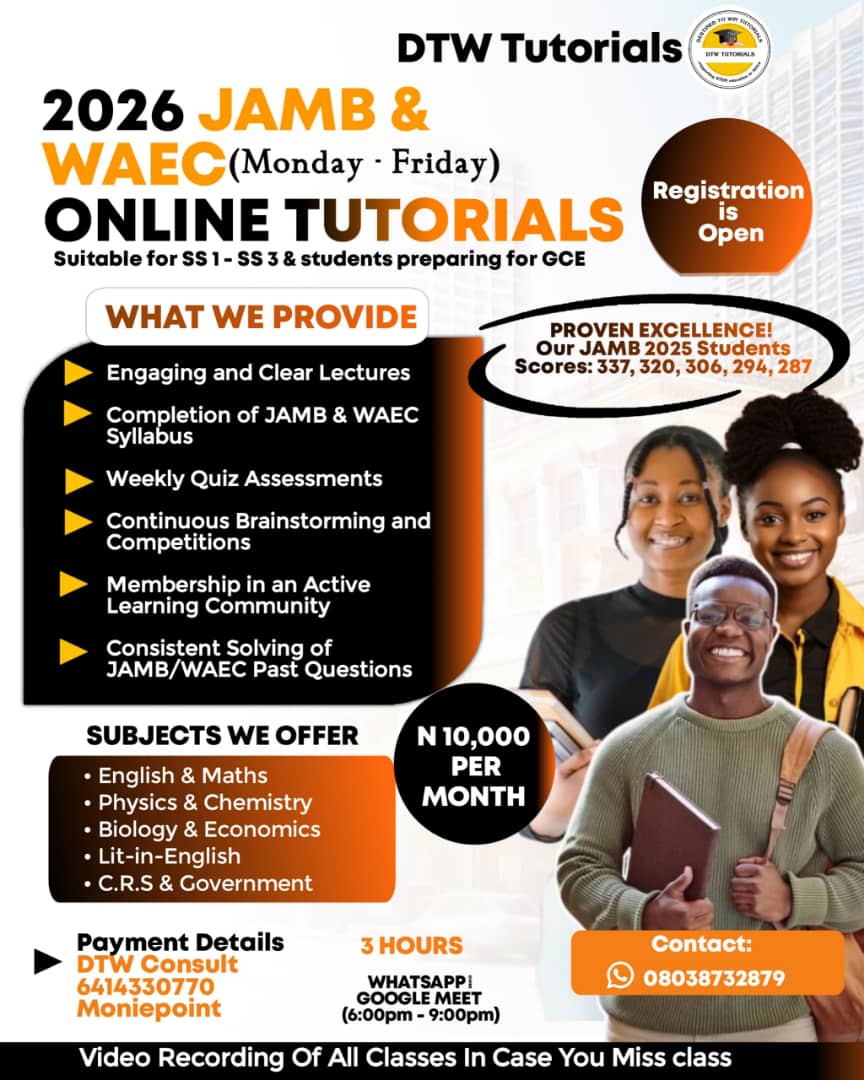
- Online Classes: JAMB, WAEC, BECE, and NCEE (Group and One-on-One Private Classes)
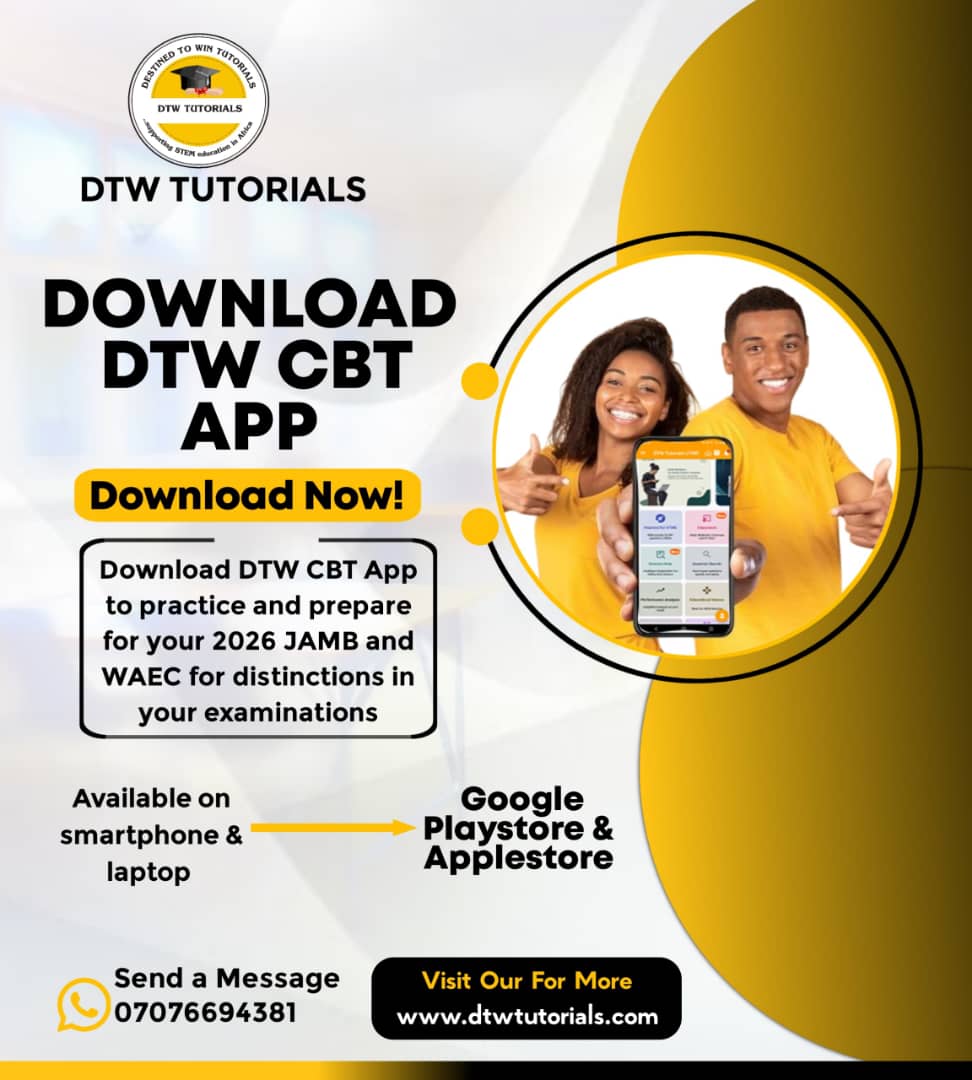
- DTW Digital Exam CBT App: JAMB, WAEC, BECE, and NCEE Past Questions
- Results Checker Cards: WAEC, NECO, NABTEB
- Original Certificates Processing: WAEC, NECO, WAEC GCE
- Birth Certificate and Local Government Certificate Processing
- Exam Number Retrieval: WAEC, NECO, WAEC GCE
- Exam Registration: WAEC GCE and NECO GCE
- JAMB Services:
- Form E-PIN
- Profile Code Retrieval
- Original Results Printing
- Admission Letter Printing
- Admission Status Checking
- e-Facility Login Recovery (for email or password issues)
- Post-UTME Registration
We provide authentic and exceptional services you can trust.
DTW TUTORIALS STUDY RESOURCES
Explore top-quality free and premium resources to help you excel in your exams:
- The Best JAMB CBT Practice App by DTW Tutorials
- DTW Online JAMB 2026 Classes — Your Ultimate Path to Success
- JAMB 2025 Syllabus — Free Download
- 30 Days JAMB Syllabus Challenge Timetable
- JAMB Recommended Textbooks for All Subjects
- The Lekki Headmaster JAMB 2025 Novel (Summary, Questions, and Answers – PDF Download)
- WAEC WASSCE 2025 Syllabus — Free Download
- 135 Physics Formula Sheet by DTW Tutorials
DTW Tutorials — Inspiring Excellence, Building Success.

No Comments